
Gaming Accessories
Stop paying the “gamer tax” for cheap plastic and aggressive RGB lighting. We test gaming mice, keyboards, and audio gear based on sensor accuracy, switch durability, and structural integrity, ensuring your physical inputs never bottleneck your digital reflexes.
We are gathering data
Our experts are currently working on content for this section. Check out our latest global analysis below.
Latest Global Coverage
Asus ROG Swift PG32UCDM3 vs Alienware AW3225QF: Ultimate 32-Inch Comparison
Read analysis →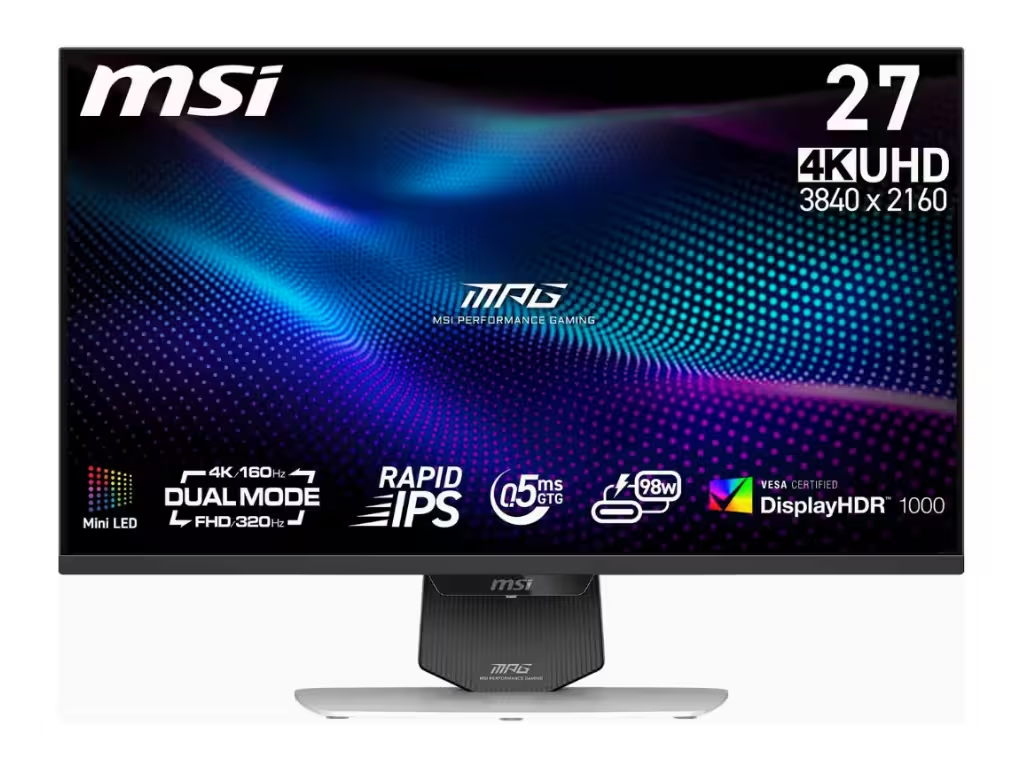
MSI MPG 274URDFW E16M Review: High Refresh Mid-Range 4K
Read analysis →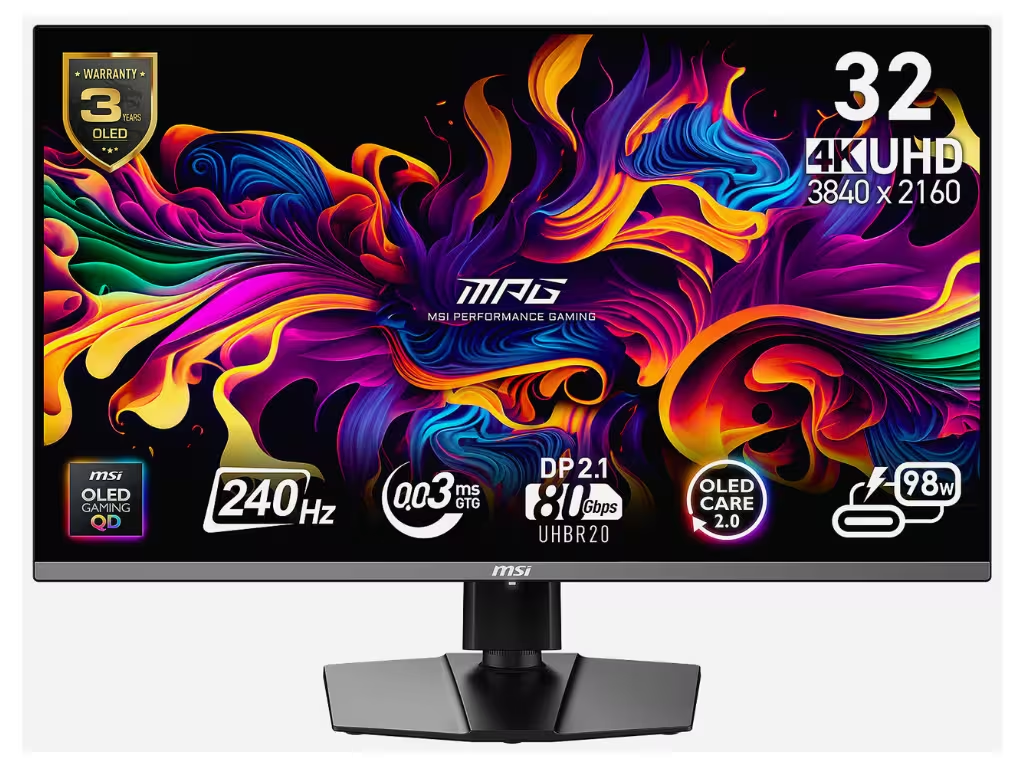
MSI MPG 322URX Review: A New Contender in 4K OLED
Read analysis →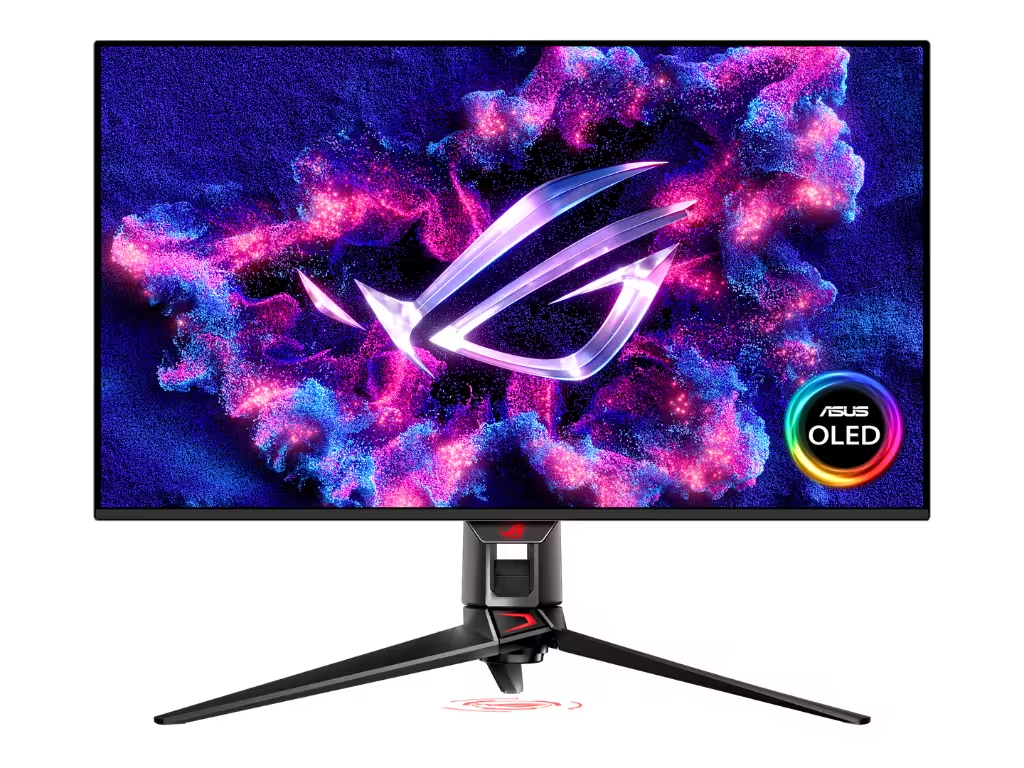
Asus ROG Swift PG32UCDM3 Review: High-End QD-OLED Perfection
Read analysis →
Alienware AW2725QF Review: Dual-Mode 4K Dominance
Read analysis →The KWYAB Standard for Gaming Accessories
In the current market, peripheral brands justify exorbitant prices through esports celebrity endorsements and proprietary lighting ecosystems. Manufacturers push astronomical DPI numbers and arbitrary polling rates that offer zero tangible benefit to human reflexes. Our approach to gaming accessories strictly rejects this superficial marketing. We focus on the raw physical connection between you and your machine: the tactile response of a switch, the flawless tracking of an optical sensor, and the ergonomic realities of prolonged, daily use.
A high-end rig is useless if your inputs are muddy or your audio profile is bloated. Accessories act as the translation layer of your gaming experience. We stress-test these peripherals to expose double-clicking mice, hollow-sounding keyboards, and headsets tuned to artificially boost bass at the expense of crucial spatial audio cues. We analyze the build materials from the PCB up to ensure your gear survives thousands of hours of heavy wear and tear.
Precision Engineering Over Pro Endorsements
Our testing methodology isolates the hardware from the hype. When we evaluate gaming peripherals, we look for the engineering truths that dictate reliable, continuous performance:
- Switch Durability and Actuation: We test beyond the manufacturer’s rated lifespan, looking for debounce delays, double-clicking anomalies, and inconsistent actuation forces across different keys or buttons.
- Sensor Flaws and Polling Stability: We measure actual input latency and tracking consistency, bypassing the marketing DPI limits to find where the sensor actually performs best without jitter, smoothing, or angle snapping.
- Acoustic and Spatial Audio Fidelity: For gaming headsets, we reject the muddy “gamer” EQ profiles. We test for clear directional imaging and microphone isolation that actually separates your voice from background keyboard clatter.
- Structural Integrity and Materials: We inspect chassis flex, the wear resistance of keycap plastics (favoring PBT over cheap ABS), and the longevity of mouse skates and grip tapes under heavy friction.
Tools That Respect Your Hands
The peripheral market is flooded with planned obsolescence disguised as premium gear. By applying our rigorous, anti-BS testing standards across mice, keyboards, and audio solutions, we help you identify the accessories that genuinely enhance your control and comfort.
We do not care about sponsor logos or software suites that bloat your operating system. If a flagship mouse develops switch failure within a few months, or if a premium keyboard requires an intrusive background app just to function, we will call it out. Your peripherals should be reliable extensions of your intent. Explore our technical deep-dives to find the exact tools that respect your hands and your wallet.
Frequently Asked Questions
Are lighter gaming mice actually better for aim?
In the current market, lighter mice reduce wrist fatigue and initial friction, making micro-adjustments easier. However, we test for structural integrity, as many ultralight mice sacrifice shell rigidity and start creaking under standard grip pressure.
What is the difference between linear and tactile keyboard switches?
Linear switches offer a smooth, uninterrupted keystroke, while tactile switches provide a physical bump to confirm actuation. We evaluate both types for stem wobble and factory lubrication to ensure the keystroke is smooth, regardless of the type.
Do high polling rate mice (4000Hz+) make a noticeable difference?
For the vast majority of players, the difference between 1000Hz and 4000Hz is imperceptible and often drains battery life on wireless models unnecessarily. We focus on the stability of the polling rate rather than the maximum theoretical number.
Why do gaming mice develop double-clicking issues?
This is often caused by manufacturers running mechanical switches below their required voltage to save battery, or using cheap contacts that oxidize quickly. We prioritize mice using optical switches or properly volted mechanical implementations.
Are “gaming” headsets worse than audiophile headphones?
Often, yes. Many gaming headsets boost low frequencies to make explosions sound “cinematic,” which completely masks footsteps and spatial cues. We test headsets for a neutral, accurate soundstage that aids competitive awareness.
Is wireless gaming gear as fast as wired today?
Top-tier proprietary wireless protocols (usually 2.4GHz via a USB dongle) match or beat wired latency today. However, Bluetooth connections still have too much delay for competitive gaming, a distinction we always highlight in our reviews.
What makes PBT keycaps better than ABS?
PBT plastic is denser and more resistant to the oils on your fingers, meaning it won’t develop a greasy shine or lose its texture as quickly as standard ABS plastic. We consider PBT a standard requirement for premium keyboards.
How do you test the durability of gaming peripherals?
We conduct teardowns to inspect internal soldering and switch quality, measure cable flexibility and drag, and perform chassis flex tests to ensure the external housing can withstand intense daily usage.