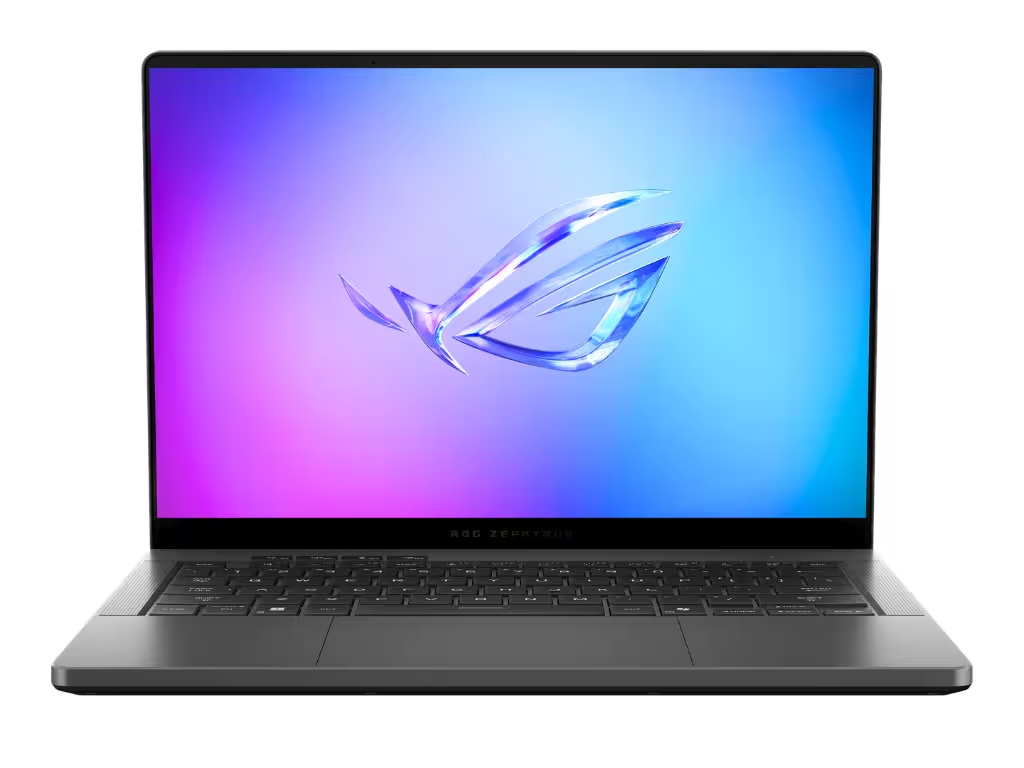
The KWYAB Standard for Laptops and Desktops
In the current market, manufacturers are obsessed with aesthetic thinness and “paper-thin” profiles. At KWYAB, we know that performance requires space for air and high-quality silicon requires stable power. Our approach to laptops and desktops focuses on what happens after the first ten minutes of use. We don’t care about “boost clocks” that only last thirty seconds; we care about the sustained power your machine can provide during a full day of rendering, compiling, or heavy multitasking.
Whether you need the portability of a high-end ultrabook or the raw, modular power of a professional workstation, we evaluate these machines as long-term investments. A laptop with a stunning screen is useless if the hinge fails in eighteen months. A desktop with a top-tier GPU is a liability if the power supply unit (PSU) is a generic, low-efficiency model. We strip back the casing to see if the engineering matches the price tag.
Our Empirical Evaluation of Personal Computers
Our testing methodology for the “main machine” is designed to expose the shortcuts brands take to meet price points. When we evaluate a system, we focus on the structural and electronic truths that dictate your user experience:
- Thermal Sustain vs. Burst Performance: We run continuous stress tests to identify exactly when a laptop starts to throttle. If a “Pro” machine can’t stay at its base clock under load, it’s not fit for purpose.
- Chassis Integrity and Hinge Durability: For laptops, we test deck flex and hinge tension. For desktops, we inspect internal cable management and airflow paths that prevent dust buildup and overheating.
- Component Synergy (VRMs and PSUs): We look at the “boring” parts—the voltage regulator modules and the power delivery. High-quality power delivery ensures the longevity of your CPU and GPU.
- Maintenance and Upgradeability: We prioritize machines that allow you to swap RAM, storage, or batteries. We actively penalize proprietary designs that force you into early upgrades.
The Difference Between a Gadget and a Tool
A computer should be a tool that disappears into your workflow, not a gadget that requires constant troubleshooting. In our reviews, we ignore flashy RGB and “gaming” branding to focus on keyboard travel, port selection, and BIOS stability. If a manufacturer prioritizes a 1mm thinner chassis over a decent cooling array, we will call it out. Your workstation is the digital foundation of your career; it needs to be as resilient as your ambitions. Explore our vetted selections of laptops and desktops built to last.