
PC Gaming
Forget the hype of “Ultra” presets and synthetic scores. We evaluate PC gaming hardware through the lens of sustained frame-time consistency, thermal headroom, and component synergy to ensure your rig delivers elite performance without the “gamer tax.”
We are gathering data
Our experts are currently working on content for this section. Check out our latest global analysis below.
Latest Global Coverage
Asus ROG Swift PG32UCDM3 vs Alienware AW3225QF: Ultimate 32-Inch Comparison
Read analysis →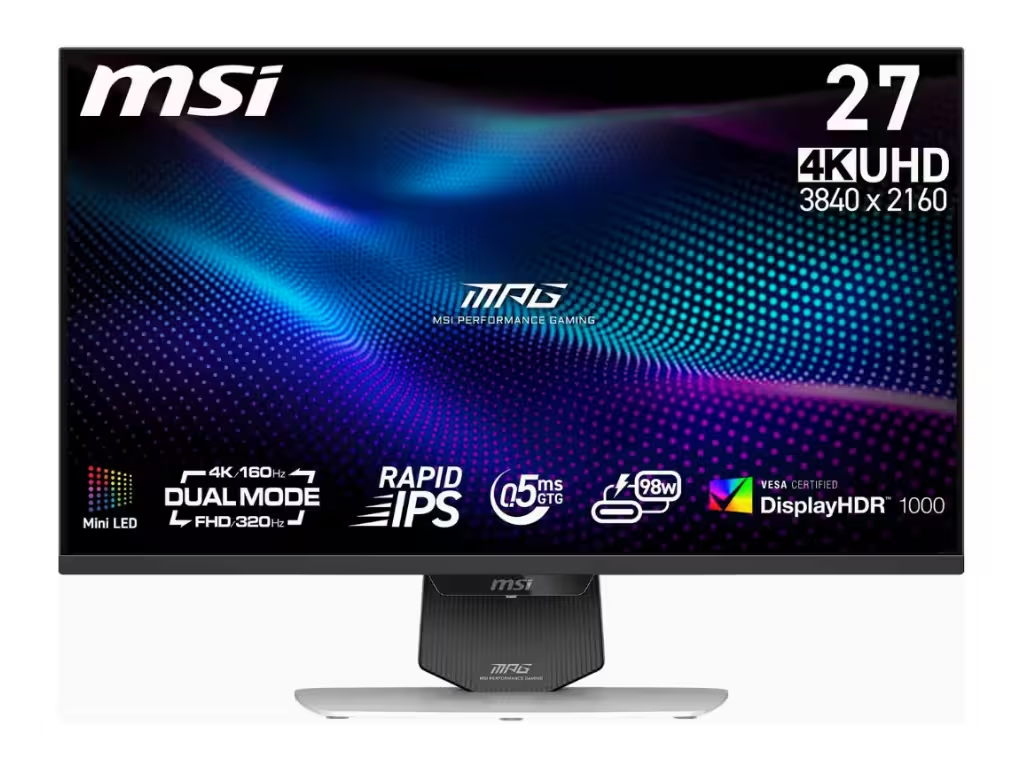
MSI MPG 274URDFW E16M Review: High Refresh Mid-Range 4K
Read analysis →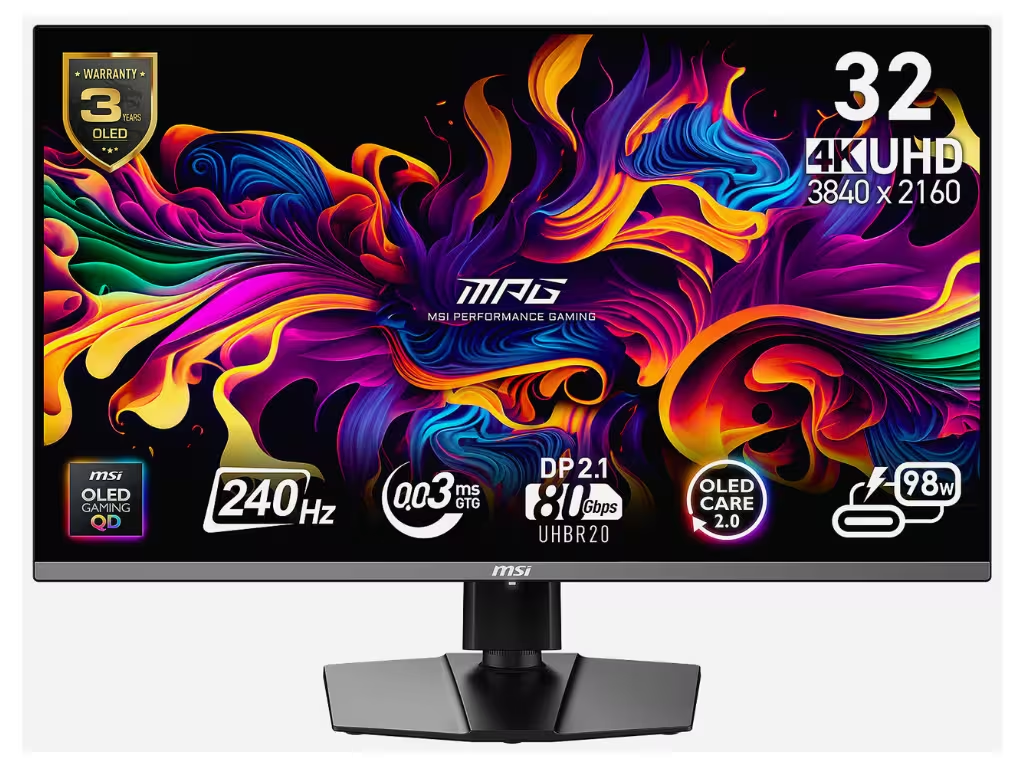
MSI MPG 322URX Review: A New Contender in 4K OLED
Read analysis →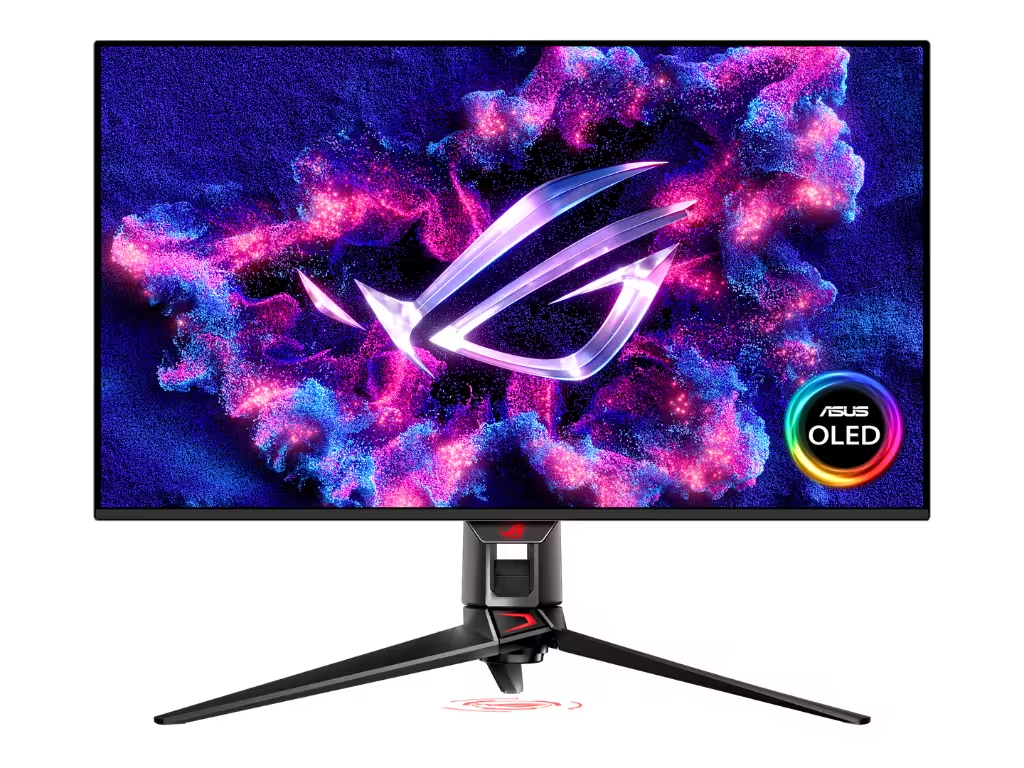
Asus ROG Swift PG32UCDM3 Review: High-End QD-OLED Perfection
Read analysis →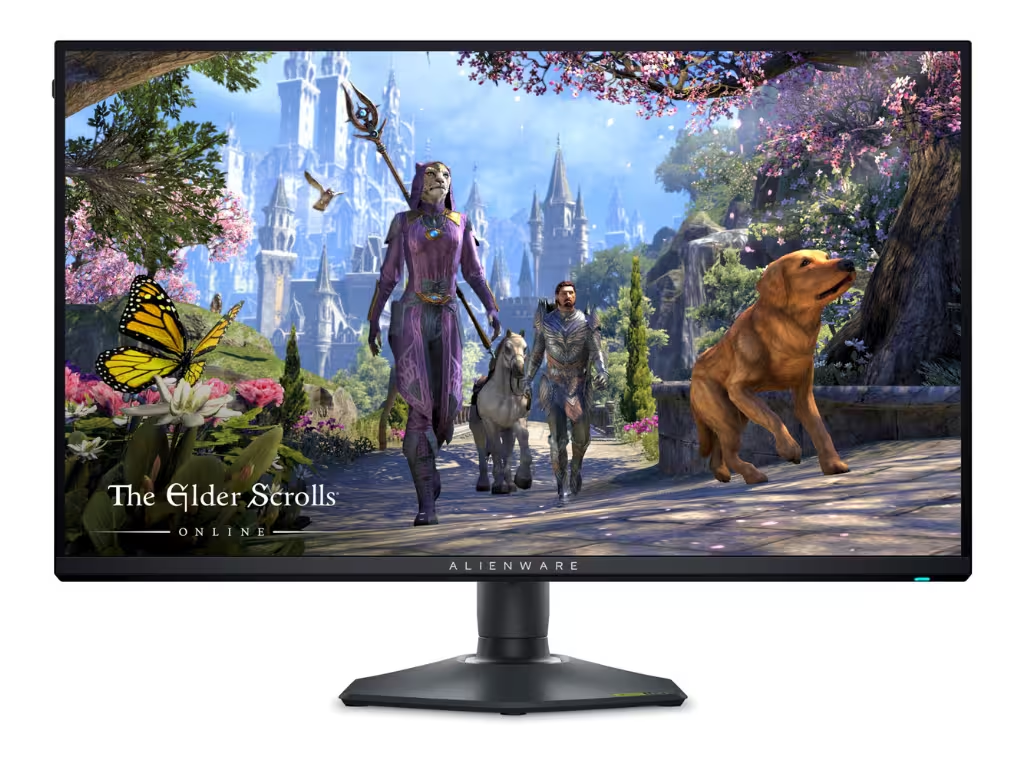
Alienware AW2725QF Review: Dual-Mode 4K Dominance
Read analysis →The KWYAB Standard for PC Gaming Hardware
In the current market, PC gaming has become a minefield of marketing buzzwords and overpriced “special editions.” Brands push aggressive overclocking profiles that offer marginal gains at the cost of massive heat and reduced component lifespan. Our approach to PC gaming focuses on the architectural reality of the hardware—prioritizing stable power delivery, efficient cooling, and balanced configurations that eliminate bottlenecks.
Building or buying a gaming PC is an investment in an open ecosystem. This flexibility is its greatest strength, but it also means that a single mismatched component can cripple your entire experience. We analyze how modern CPUs, GPUs, and high-speed memory interact under real-world stress, ensuring that your system maintains its performance long after the initial benchmark run is over.
Performance Engineering vs. Marketing Fluff
Our testing methodology for PC hardware is designed to expose the technical truths that manufacturer spec sheets often omit. We look for the engineering quality that defines a truly great gaming machine:
- 1% Lows and Frame Pacing: High average FPS is a vanity metric. We focus on “1% lows” to ensure your gameplay is actually smooth and free from the micro-stuttering caused by poor driver optimization or thermal throttling.
- VRM Quality and Power Delivery: We inspect the motherboards and GPUs for robust power phases that can handle sustained loads without overheating, ensuring long-term stability for your core silicon.
- Thermal Efficiency and Airflow: We evaluate cases and coolers based on their ability to move air effectively, not just their looks. A “cool” looking case is a failure if it chokes your components.
- Storage Longevity and Sustained Speeds: We test NVMe drives beyond their initial burst speeds, looking at how they perform when nearly full or during massive game installations.
Defining the Ultimate Gaming Rig
The PC gaming landscape is constantly evolving, with new architectures shifting the balance of power between components. However, the fundamentals of high-end computing remain the same: quality power, efficient cooling, and stable software. Whether you are looking for a compact SFF build or a full-tower workstation, we apply the same rigorous standards to every evaluation.
We don’t care about brand wars or influencer-driven trends. If a “flagship” GPU consumes an irresponsible amount of power for a 5% performance gain, or if a “gaming” RAM kit offers timings that provide zero real-world benefit, we will call it out. Your PC should be a precision tool for performance. Explore our technical deep-dives to find the components that offer genuine engineering excellence.
Frequently Asked Questions
How much RAM is actually necessary for gaming today?
In the current market, 16GB is the bare minimum, but 32GB has become the standard for high-end gaming and multitasking. We test memory scaling to see which games actually benefit from higher capacities and speeds.
Does a faster SSD improve FPS?
No, a faster SSD will not increase your frame rate. However, it significantly reduces loading times and helps eliminate “streaming stutter” in open-world games. We focus on sustained read/write performance over peak numbers.
Is liquid cooling better than air cooling?
Not always. High-end air coolers are often more reliable and quieter than budget liquid coolers. We recommend liquid cooling only for high-TDP CPUs that genuinely require the thermal mass of a large radiator.
Why are “1% lows” more important than average FPS?
Average FPS can be high even if the game stutters frequently. 1% lows measure the consistency of your frame delivery, which is the biggest factor in how “smooth” a game actually feels during play.
How often should I replace my thermal paste?
For most gaming PCs, every 2-3 years is sufficient. We monitor temperature deltas over time to identify when thermal interface material begins to degrade and impact performance.
What is a bottleneck in a gaming PC?
A bottleneck occurs when one component (usually the CPU or GPU) limits the potential of the others. We analyze system balance to ensure your components are matched for your target resolution and refresh rate.
Are “Gaming” motherboards worth the extra cost?
Only if they provide better VRMs, better networking chips, or improved diagnostic tools. Many “gaming” boards simply add expensive aesthetics without improving the actual performance of your silicon.
Does ray tracing significantly impact hardware lifespan?
No, but it significantly impacts performance. We test hardware under heavy ray-tracing loads to see which GPUs can handle the computational stress without hitting dangerous thermal limits.